Updating our JSON views
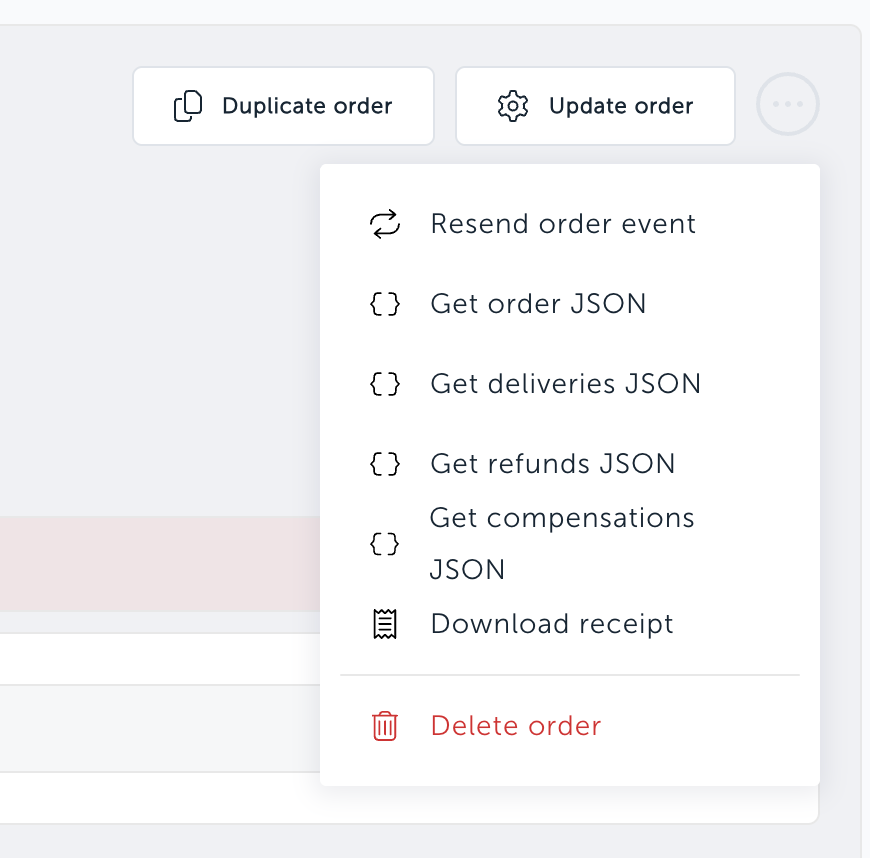
The "Get order JSON" action on the order view now shows exactly what the Order Management API returns, and you can download or copy it with one click.
What's new
Order JSON. The JSON window shows the raw response from the get order endpoint.
JSON for every operation. Orders with deliveries, refunds, releases, cancellations, compensations or modifications get a "Get … JSON" action for each.
Actions only appear when the order has that kind of operation.
Download JSON. A button in the JSON window saves the payload as a file, named after the resource and order it came from, for example
deliveries-<orderId>.json.Copy JSON. Copies the payload exactly as displayed and confirms with "Copied".