Edit Address: Copy & Sync Between Shipping and Billing

Users can now quickly copy their shipping address to the billing address, and vice versa, directly from the Edit Address view. A simple "Copy to Billing" or "Copy to Shipping" action eliminates the need to re-enter the same details twice, reducing friction and input errors.
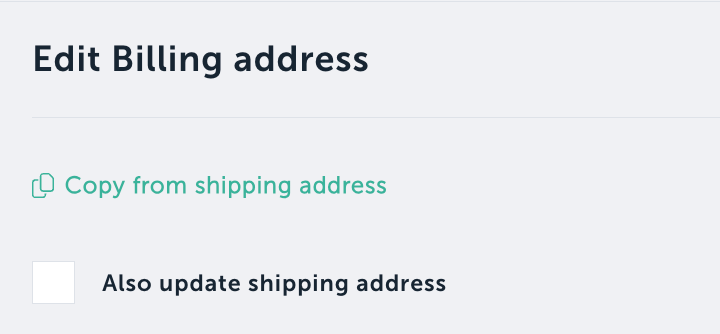
When editing an address, you can also choose to update both addresses simultaneously.
What's new
Copy Shipping → Billing: One-click option to populate the billing address with the current shipping address.
Copy Billing → Shipping: One-click option to populate the shipping address with the current billing address.
Edit Shipping → Update Both: When editing the shipping address, optionally apply the changes to the billing address as well.
Edit Billing → Update Both: When editing the billing address, optionally apply the changes to the shipping address as well.
Why it matters
Many customers ship and bill to the same address. Previously, they had to manually enter the same information twice, which was time-consuming and error-prone.