Operations Dashboard
Overview of order operations and their status.
Written By Markus Flodmark
Last updated 9 months ago
Supported Order Operations
Delivery
Essentially capturing of payment
We use the delivery term since we deliver gift card products, gift cards, orderLines etc.
Cancel
Cancel the entire order before delivery
Refund
Refund the total amount of e.g. an orderLine
Compensation
Refund a part of e.g. an orderLine
Release
Part cancellation of an order
If the order have been part delivered and some items won’t be delivered (e.g drop shipment), then using release will release the payment authorization of the remaining items that have not been delivered
Modification of orderLines
Modification of shipping fees
Modification of shipping address
Overview Details
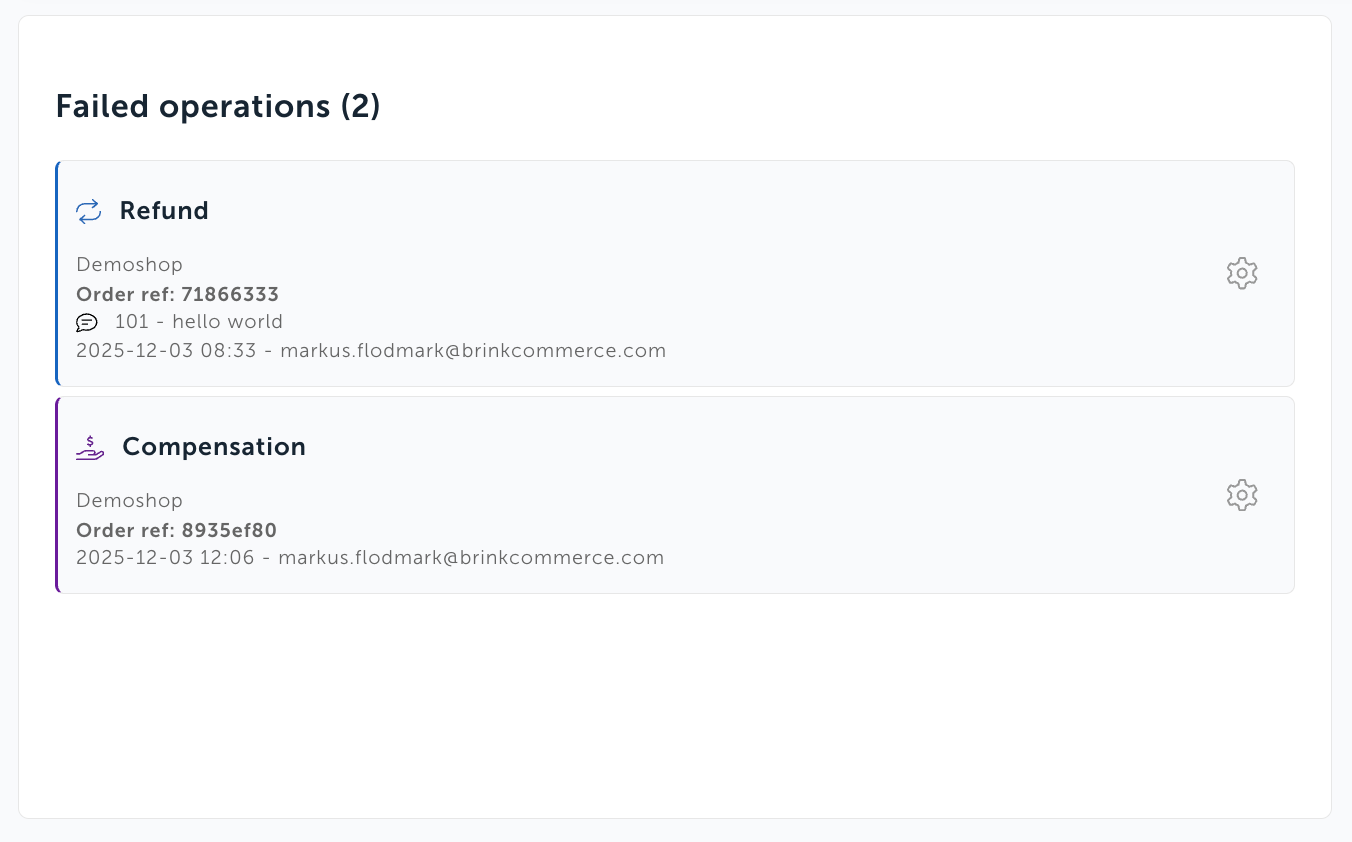
Failed Operations
All started operations that have failed will be highlighted, e.g:
Created Operations
Created operations that have not been started yet are highlighted in the dashboard, e.g:
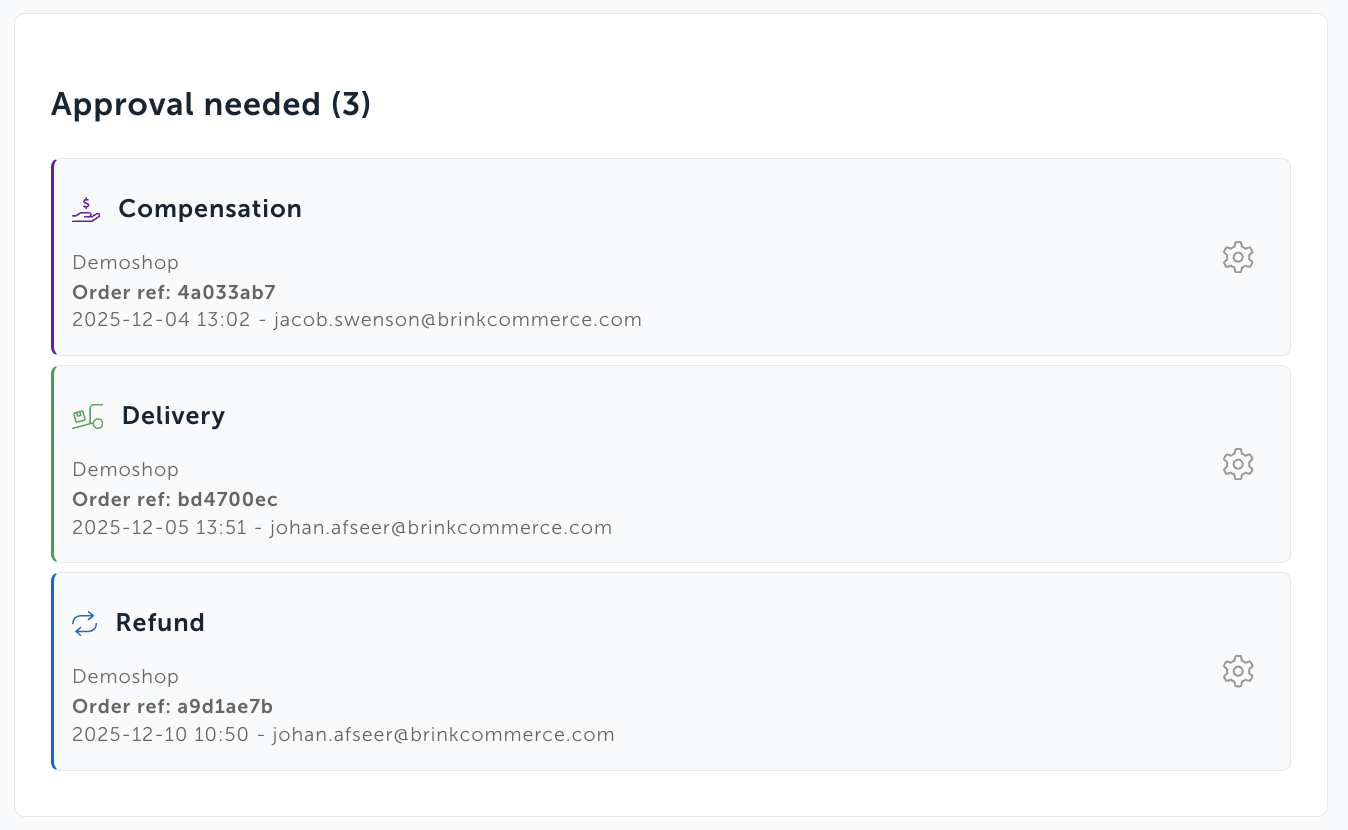
You can use this with our User Management roles, e.g:
If the customer is using the user roles CX-user and CX-admin, you can use the dashboard to review created operations that have not been started. CX-user only have access to create operations, not starting them.
A CX-user can then create a compensation for a customer of 100 SEK. For the compensation to be started and payment to be sent to the customer, another user that have CX-admin role must start the operations, essentially double-check the colleagues intent.
Pending Operations
Operations can be in a pending state, when Brink have not received an update yet.
Was this helpful?
Still need help? Ask the team